

Introduction
Launching a website requires more than just purchasing a domain name and hosting plan. These two elements must work together before visitors can access your website online. Understanding how to link domain to hosting is an essential step for businesses, bloggers, and online stores in the UAE.
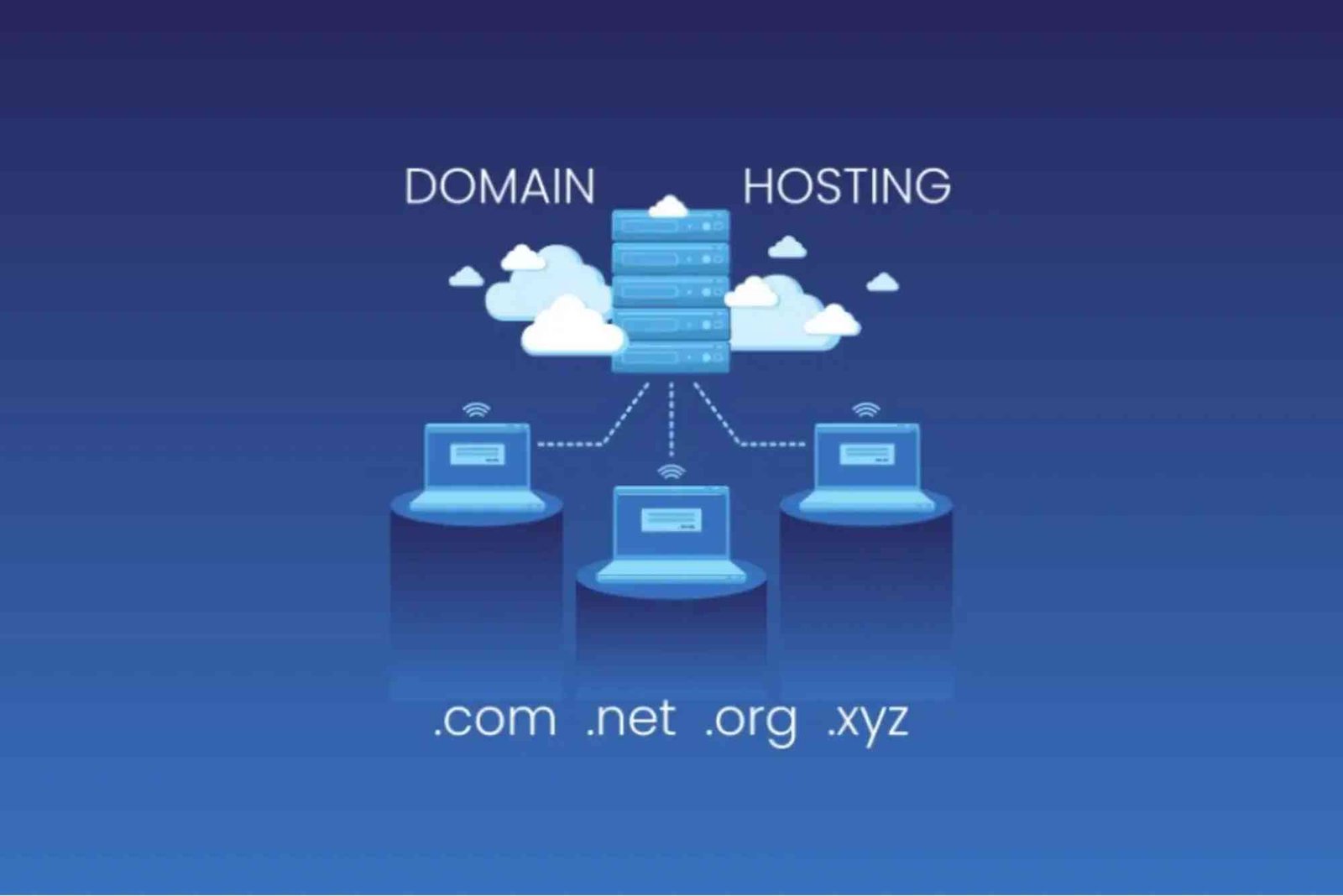
A domain name works as your website address, while web hosting stores your website files and makes them available on the internet. When these services are purchased separately, you need to connect them manually through DNS settings or nameserver updates.
Many UAE website owners find this process confusing because technical terms like DNS, nameservers, and IP addresses can seem complicated. However, once you understand the basic process, connecting your domain to hosting becomes simple and manageable.
This guide explains how to link domain to hosting with practical steps, useful tips, and solutions to common issues. Whether you are creating a business website, eCommerce store, or personal blog, this walkthrough will help you complete the connection process correctly.
Understanding How To Link Domain To Hosting
Before connecting your domain and hosting, it is important to understand how both services communicate. Your domain name acts as a location address, while hosting provides the space where your website data exists.
When someone enters your domain name into a browser, the DNS system searches for the hosting server connected to that domain. If the DNS settings are correct, the browser loads your website files from the hosting provider.

The connection between domain and hosting is created through nameservers or DNS records. These settings tell the internet where your website should be displayed.
For UAE businesses, selecting reliable hosting is especially important because website speed, security, and uptime directly influence customer experience. Many website owners choose providers that offer reliable support and suitable resources for growing businesses.
Why Connecting Domain With Hosting Is Important
A domain without hosting cannot display a website. Similarly, hosting without a connected domain does not provide visitors with an easy way to access your online presence.
Connecting your domain properly helps your website achieve better performance and accessibility. It also allows you to use professional email addresses connected with your domain.
For example, businesses can create email addresses like info@yourwebsite.com instead of using general email services. This improves brand credibility and builds trust among customers.
Choosing reliable and affordable solutions such as cost-effective domain and hosting packages can help businesses establish a professional online presence without unnecessary expenses.
How To Link Domain To Hosting Step By Step
Check Your Domain And Hosting Details
The first step in learning how to link domain to hosting is collecting the necessary information from both providers.
After purchasing hosting, your provider usually sends a welcome email containing nameserver details. These nameservers often look similar to:
ns1.examplehosting.com
ns2.examplehosting.com
You need these details before changing your domain settings.
Also, make sure your domain registration is active. An expired domain cannot connect properly with any hosting service.
Update Domain Nameservers
The most common method for connecting a domain to hosting is changing nameservers.
First, log in to your domain registrar account. This could be the company where you purchased your domain name.
Next, find the DNS management or nameserver settings. Replace the existing nameservers with the nameservers provided by your hosting company.
After saving the changes, your domain will begin pointing toward your hosting server.
DNS updates are not always instant. In many cases, changes take a few minutes, but global propagation can take up to 24–48 hours.
Connect Domain Through Hosting Control Panel
Many hosting providers offer simple tools inside their control panels.
If your hosting uses cPanel, you can add your domain through the “Domains” section. Enter your domain name and complete the setup process.
Some hosting platforms automatically detect domain changes and configure the connection for you.
Modern hosting services focus on making website management easier, especially for beginners who do not have technical backgrounds.
Configure DNS Records Manually
Sometimes, you may need to connect your domain using DNS records instead of nameservers.
The main records include:
A Record: Connects your domain to a specific server IP address.
CNAME Record: Creates an alias for another domain or hostname.
MX Record: Controls email delivery settings.
TXT Record: Adds verification information for different services.
Incorrect DNS records can prevent your website from loading. Therefore, always check the information provided by your hosting company before making changes.
Verify The Domain Connection
After completing the setup, you should verify whether your domain is connected successfully.
Open your website address in a browser and check whether your website loads correctly.
You can also use online DNS checking tools to confirm whether your nameservers and records are updated.
If your website does not appear immediately, wait for DNS propagation to complete.
Common Problems When Linking Domain To Hosting
DNS Propagation Delays
One of the most common issues is waiting time after updating nameservers.
DNS servers around the world need time to recognize the new settings. During this period, some users may see your old website while others see the new one.
This situation is normal and usually resolves automatically.
Incorrect Nameserver Information
Entering incorrect nameservers is another common mistake.
Always copy nameserver details carefully from your hosting provider. A small spelling mistake can stop your domain from connecting properly.
Domain And Hosting Purchased From Different Companies
Many people believe domains and hosting must come from the same company. However, this is not necessary.
You can purchase a domain from one provider and hosting from another. You only need to update DNS settings correctly.
Many UAE businesses prefer comparing different providers to find suitable features, pricing, and performance.
Website Not Loading After Connection
If your website is still unavailable after DNS updates, check the following:
- Confirm that hosting is active.
- Verify domain registration status.
- Check DNS records.
- Clear browser cache.
- Contact hosting support if the problem continues.
- Reliable support can save time when technical issues occur.
Choosing The Right Hosting For UAE Websites
Selecting the right hosting service affects your website performance, security, and growth opportunities.
UAE businesses should consider factors like server reliability, customer support, website speed, SSL certificates, and pricing.
A good hosting provider should offer enough resources for your website needs while allowing future expansion.
Many users compare different aeServer UAE hosting plans to find hosting solutions that match their website requirements and business goals.
The right hosting choice makes the process of connecting and managing your website much easier.
Benefits Of Proper Domain And Hosting Setup
A properly connected domain and hosting service provides several advantages.
Your website becomes accessible worldwide.
Visitors experience faster loading times.
Professional email services become available.
Search engines can crawl your website effectively.
Your business gains better online credibility.
For companies operating in competitive UAE markets, having a stable website infrastructure is important for attracting customers and improving digital visibility.
SEO Impact Of Correct Domain Hosting Connection
A correctly configured domain and hosting setup supports better SEO performance.
Search engines need to access your website properly to index pages. If DNS problems or server downtime frequently occur, it can negatively affect user experience.
Fast loading speed, strong security, and reliable uptime are important ranking factors.
Therefore, learning how to link domain to hosting is not only a technical task but also an important part of website optimization.
A strong technical foundation helps websites perform better in search results.
How Long Does Domain Connection Take?
The time required depends on your registrar, hosting provider, and DNS changes.
In many situations, the connection works within a few hours. However, complete DNS propagation may take up to two days.
During this period, avoid making unnecessary DNS changes because repeated updates can delay the process.
Patience and careful checking are important when managing domain settings.
Frequently Asked Questions
How do I connect my domain name to my hosting account?
You can connect your domain by updating your domain nameservers with the nameservers provided by your hosting company. After saving the changes, wait for DNS propagation to complete.
Can I connect a domain to hosting from different companies?
Yes, you can connect a domain and hosting purchased from different providers. You only need to update DNS settings correctly.
How long does it take to link a domain to hosting?
Usually, domain connection takes a few minutes to several hours. However, complete DNS propagation may take up to 24–48 hours.
Do I need technical knowledge to connect my domain and hosting?
No, basic knowledge is enough. Most hosting providers offer simple control panels and guides to help beginners complete the process.
Why is my website not working after changing nameservers?
Your website may not work immediately because DNS changes require time to update worldwide. Also, check that the nameservers were entered correctly.
In today’s digital landscape, having access to reliable online resources can help individuals and businesses discover valuable information, services, and solutions. A well-structured website provides users with quality content, useful insights, and a better browsing experience. For more detailed information and helpful resources, readers can explore Sharpinner, a platform designed to share engaging and informative content across various topics.
Conclusion
Understanding how to link domain to hosting is an important skill for anyone building a website. Although the process may seem technical at first, connecting your domain with hosting only requires careful DNS configuration and correct information.
Related Reading: Why Deluxe Hosting Matters for Your UAE Business Strategy